
Download EV虚拟摄像头-直播伴侣 – 手机变电脑摄像头, 手机变麦克风, 直播伴侣, 虚拟摄像头
Overview
EV虚拟摄像头-直播伴侣 is a productivity-focused mobile application designed to bridge the gap between smartphones and computers for live streaming and video recording. The app enables users to transform their Android smartphone into a high-quality webcam and microphone, seamlessly integrating with desktop systems. This functionality is particularly valuable for content creators, streamers, and professionals who require flexible, portable, and reliable video input solutions. Whether you're broadcasting gameplay, hosting virtual meetings, or recording tutorials, EV虚拟摄像头-直播伴侣 offers a straightforward way to elevate your visual and audio output without investing in additional hardware.
The app targets a diverse audience, including amateur and professional streamers, remote workers, educators, and social media content producers. By leveraging existing smartphone hardware—such as high-resolution cameras and built-in microphones—it provides an accessible alternative to dedicated webcams and external audio devices. The application is especially beneficial in scenarios where portability and quick setup are essential, such as on-the-go streaming or impromptu video sessions.
Although the developer did not provide additional technical details, the app's core purpose is clear: to enhance digital communication and content creation through smartphone integration. Its release on August 29, 2024, marks a timely entry into a growing market for virtual camera tools, aligning with the increasing demand for remote collaboration and live content delivery. The app’s free pricing model further enhances its accessibility, making it an attractive option for users seeking cost-effective solutions.
Key Features & Functionality
- Smartphone as Webcam and Microphone: The app converts your Android device into a dual-purpose input tool, allowing real-time video and audio transmission to your computer. This is ideal for users who want to use their phone’s superior camera quality or better microphone for streaming.
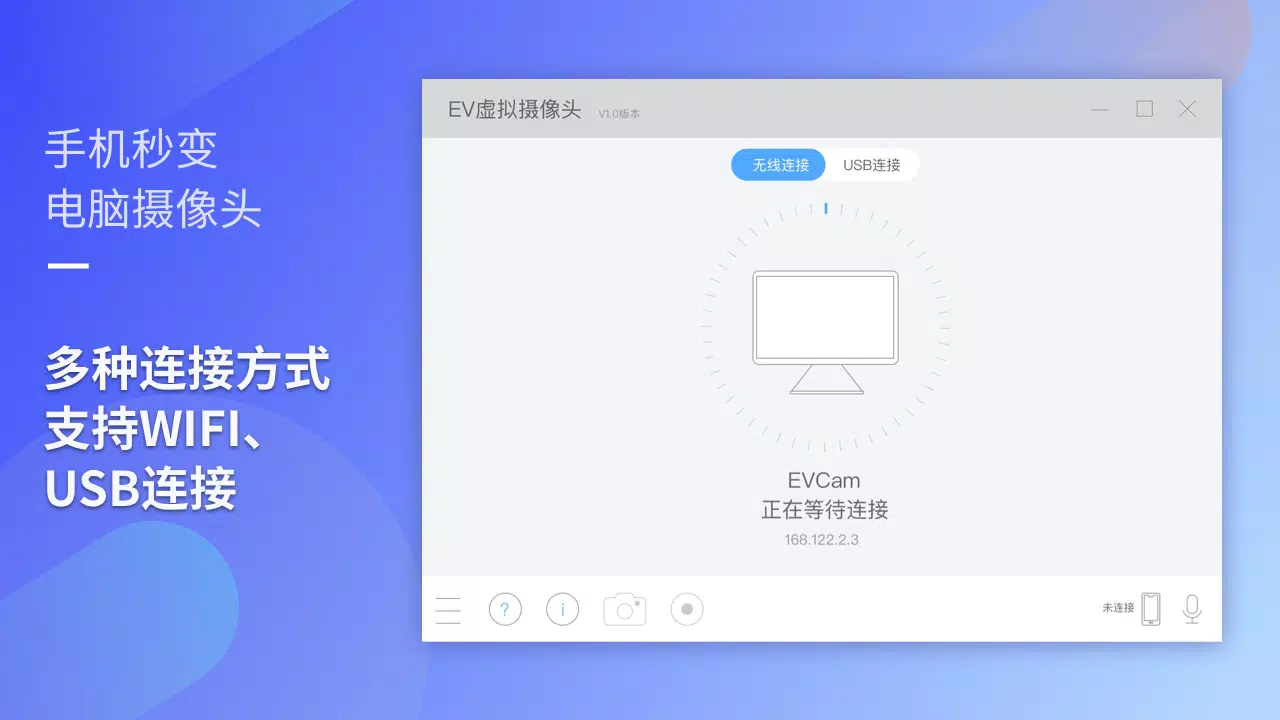
- Multi-Connection Support: EV虚拟摄像头-直播伴侣 supports both Wi-Fi and USB connections, offering flexibility based on environment and preference. Wi-Fi enables wireless operation, while USB ensures lower latency and more stable data transfer.
- Three-Step Setup Process: Designed for universal accessibility, the app simplifies the configuration process into just three intuitive steps—connect, select, and start. This ensures even users with minimal technical experience can begin streaming quickly.
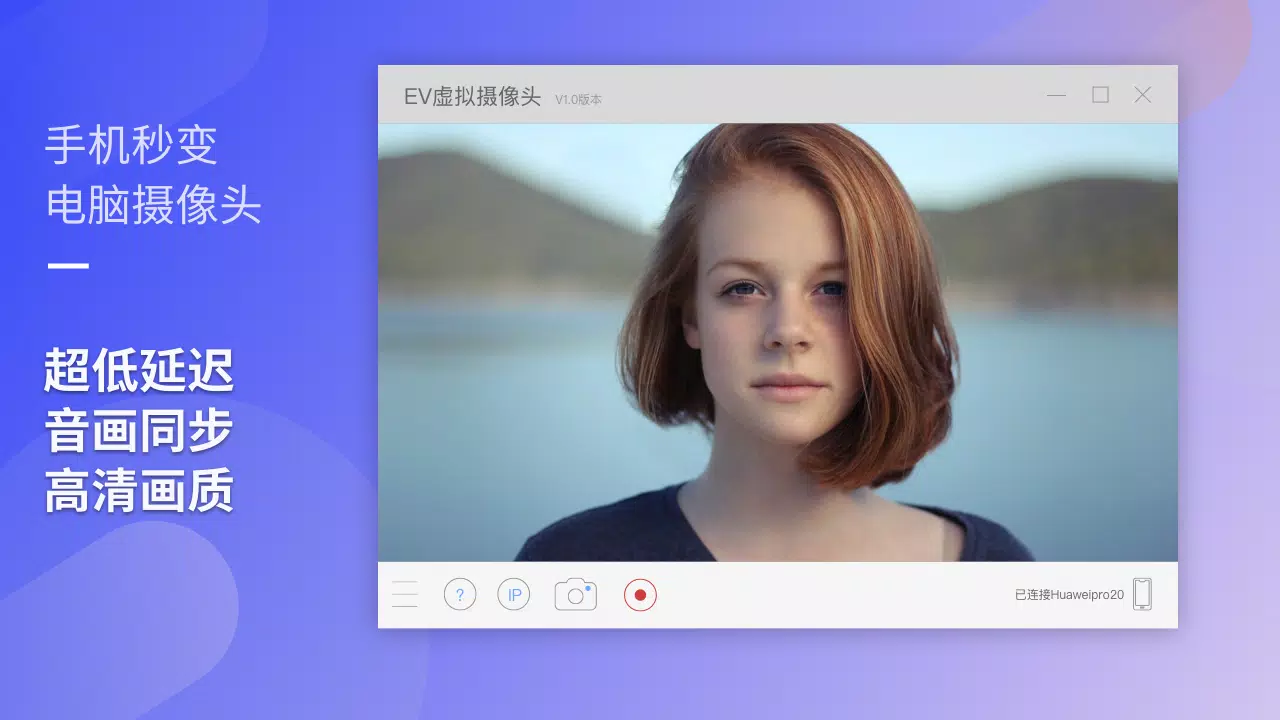
- High-Quality Output: The app delivers clear video and crisp audio, enhancing the overall viewing experience. Users can expect smooth HD transmission, minimizing issues like lag, blur, or distortion.
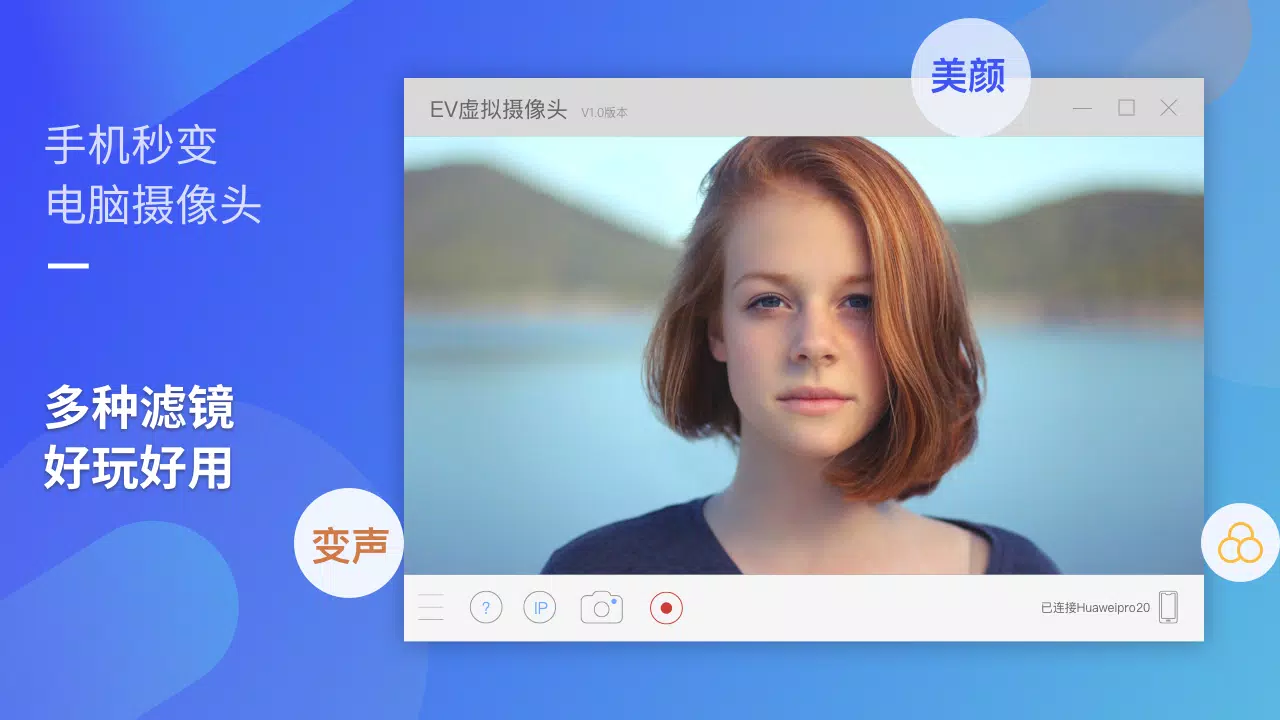
- Customizable Filters and Backgrounds: A range of visual effects and background options allows users to personalize their streams. This feature adds creativity and professionalism, helping streamers stand out in competitive content spaces.
For example, a student presenting a project remotely can use their phone’s front camera with a clean virtual background, ensuring a polished appearance. Similarly, a gamer can switch to their phone’s higher-resolution lens during a live session to showcase gameplay reactions with better clarity.
Interface, UX & Performance
The user interface of EV虚拟摄像头-直播伴侣 is designed with simplicity and efficiency in mind. The layout is clean and minimal, focusing on core functions without unnecessary clutter. Navigation is intuitive, with clearly labeled buttons and a logical flow from connection setup to live streaming. The app’s visual style emphasizes usability, using consistent color schemes and scalable icons that adapt well to various screen sizes.
Although the developer did not list formal performance metrics, the app’s ability to support both Wi-Fi and USB connections suggests optimized data handling. Users can expect responsive behavior during setup and stable transmission during active use. The app’s lightweight size of 34.8 MB indicates efficient resource usage, which contributes to smoother operation on mid-tier and high-end Android devices.
Stability appears to be a priority, as the app enables real-time video and audio streaming without apparent delays. However, actual performance may vary depending on network quality, device capabilities, and background processes. Users are advised to close unnecessary apps during streaming to maintain optimal functionality.
Platform Compatibility & Technical Requirements
EV虚拟摄像头-直播伴侣 is available exclusively on the Android platform. It requires an Android device to function, though specific OS version requirements were not listed. The app has a file size of 34.8 MB, which is relatively compact and suitable for most mobile storage configurations.
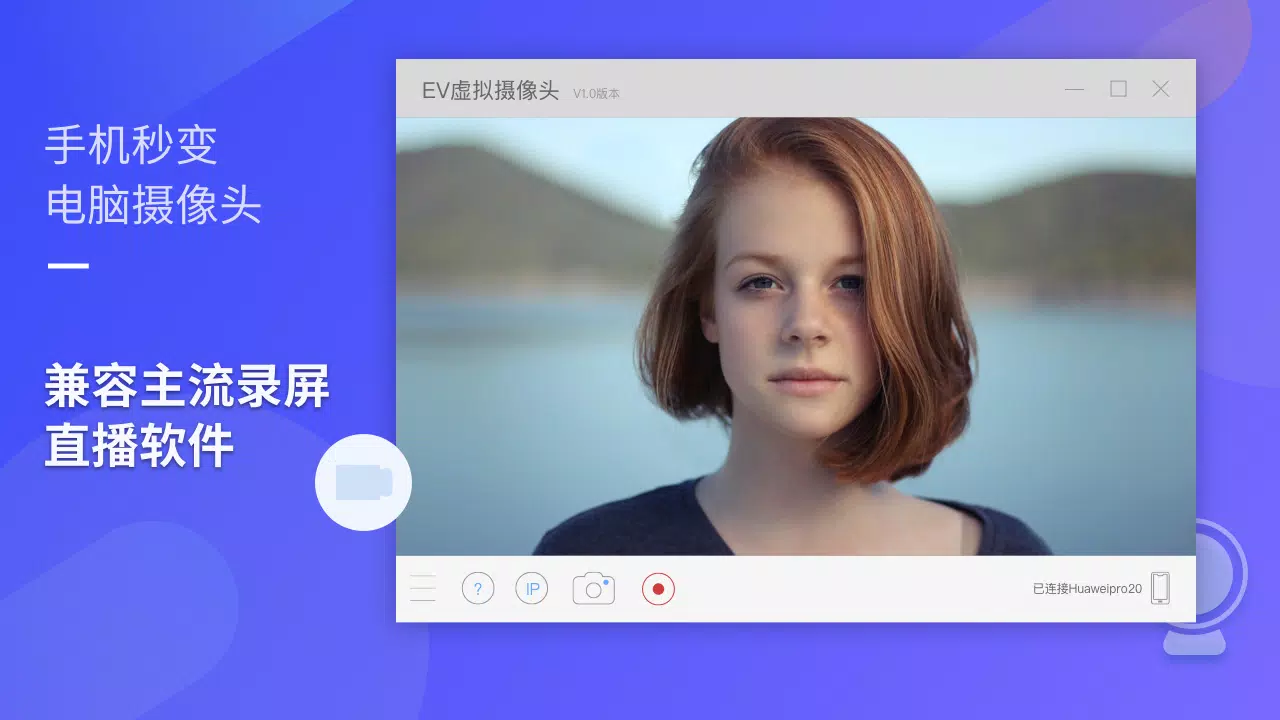
Although the developer did not specify minimum OS requirements, the app is expected to be compatible with recent Android versions. Users should ensure their device supports both Wi-Fi and USB tethering features to fully utilize the app’s capabilities. Compatibility with specific desktop software was not detailed, but the app is designed to work with mainstream recording and streaming platforms.
Pros and Cons
Pros
- Free to download and use, making it accessible to a wide audience.
- Transforms smartphone into a functional webcam and microphone.
- Supports both Wi-Fi and USB connection methods for flexible deployment.
- Simple three-step setup process suitable for beginners.
- Delivers high-quality video and audio output.
- Offers customizable filters and backgrounds for creative expression.
Cons
- Specific device compatibility details were not provided.
- Performance may vary based on network conditions and device capabilities.
- Developer did not disclose supported desktop software list.
- No information on update frequency or long-term support.
- Limited to Android platform; no iOS availability confirmed.
FAQ
Is EV虚拟摄像头-直播伴侣 safe to install?
The app is available for free on the Android platform. As with any third-party application, users should download it from trusted sources to ensure security and avoid potential malware.
Can I use this app on iOS devices?
Currently, the app is only available for Android. There is no confirmed iOS version or release timeline.
Does the app require a constant internet connection?
For Wi-Fi connection mode, a stable internet connection is required. USB connection mode does not rely on internet access, only on device pairing.
What desktop software is compatible with EV虚拟摄像头-直播伴侣?
The app is designed to work with mainstream streaming and recording tools, though the specific list of supported applications was not disclosed by the developer.
How often is the app updated?
The developer did not provide information about update frequency. Users are encouraged to check for updates regularly in the app store.
Final Thoughts
EV虚拟摄像头-直播伴侣 stands out as a practical, budget-friendly solution for users seeking to enhance their video and audio capabilities without additional hardware. Its ability to turn an Android smartphone into a professional-grade webcam and microphone makes it a valuable tool for streamers, remote workers, educators, and content creators. The dual connection options, simple interface, and customizable features contribute to a seamless user experience.
While some technical details remain unspecified, the app delivers on its core promise: high-quality, flexible, and accessible streaming. Its free pricing model and lightweight design further strengthen its appeal. For anyone looking to improve their digital presence with minimal investment, this app offers real value.
Download EV虚拟摄像头-直播伴侣 now


